How to export a template configured in Andy?
With Andy there is the possibility of downloading a template ofTasks, Records, IncidentsorAuditsin PDF format. In order to do this, it is necessary to access theControl Panel. Once inside, tap onConfiguration>Tasks/Registers/IncidentsorAudits> and selecttemplate or templates to be exported:
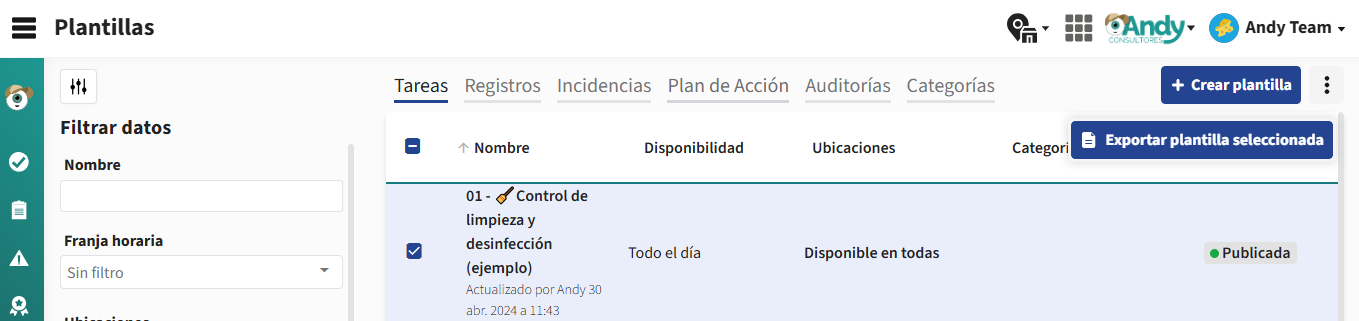
Once selected, at the three points at the top right of the screen, the option ofExport selected template:
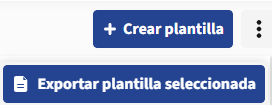
Once selected, at the three points at the top right of the screen, the option ofExport selected template:
Once tapped, Andy asks you what display options want to display:
- Show Alerts
- Show action plans
- Show subitems in general
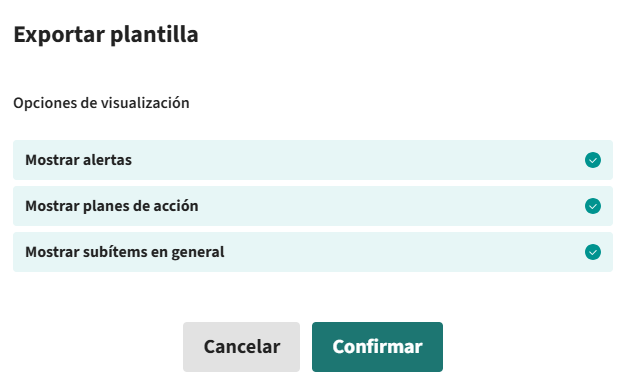
Once the corresponding options are selected, click onConfirm
Ready! Now you may be interested inHow can I verify Records with Andy?
- Show Alerts
- Show action plans
- Show subitems in general
Once the corresponding options are selected, click onConfirm
Ready! Now you may be interested inHow can I verify Records with Andy?